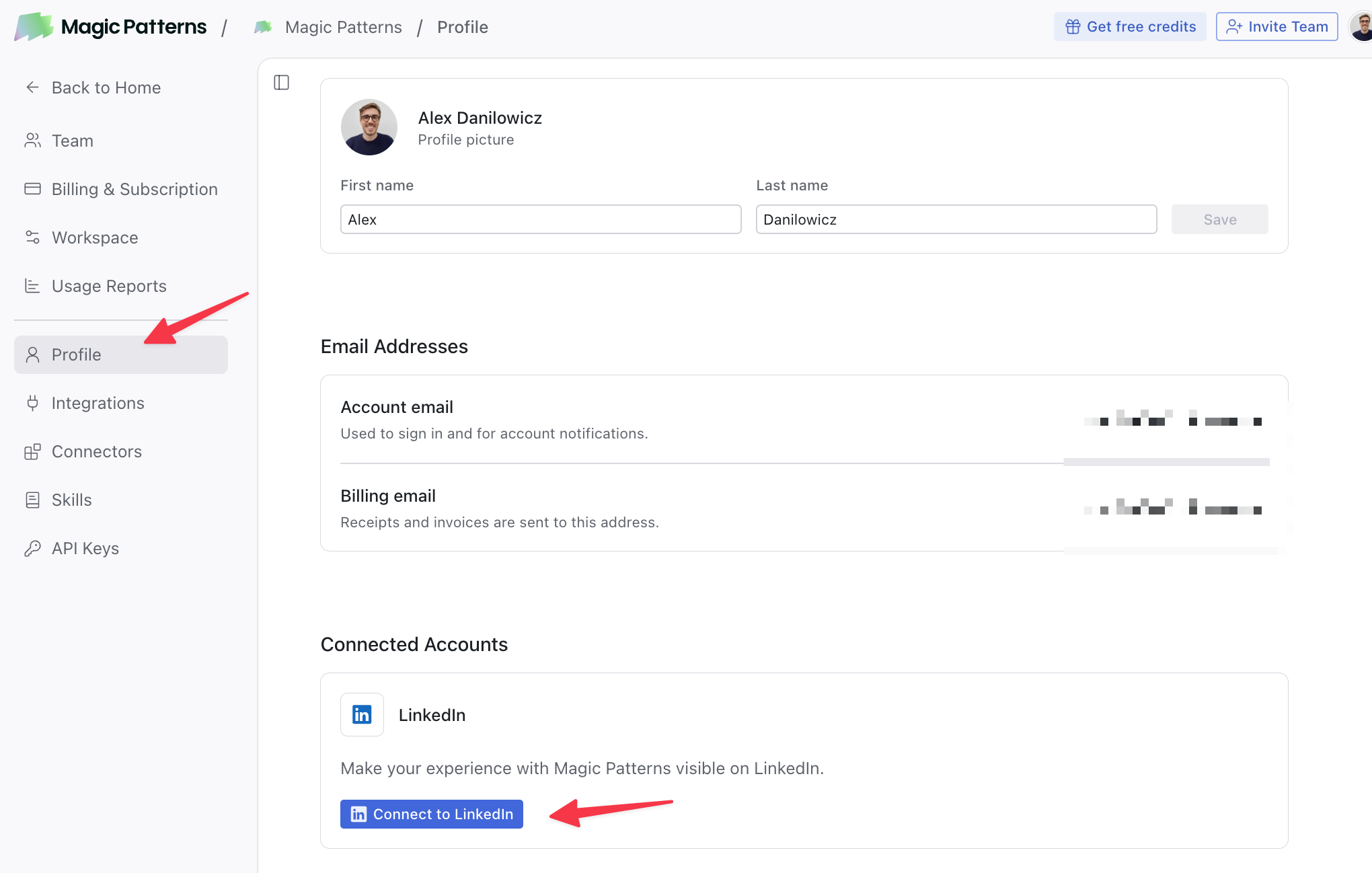
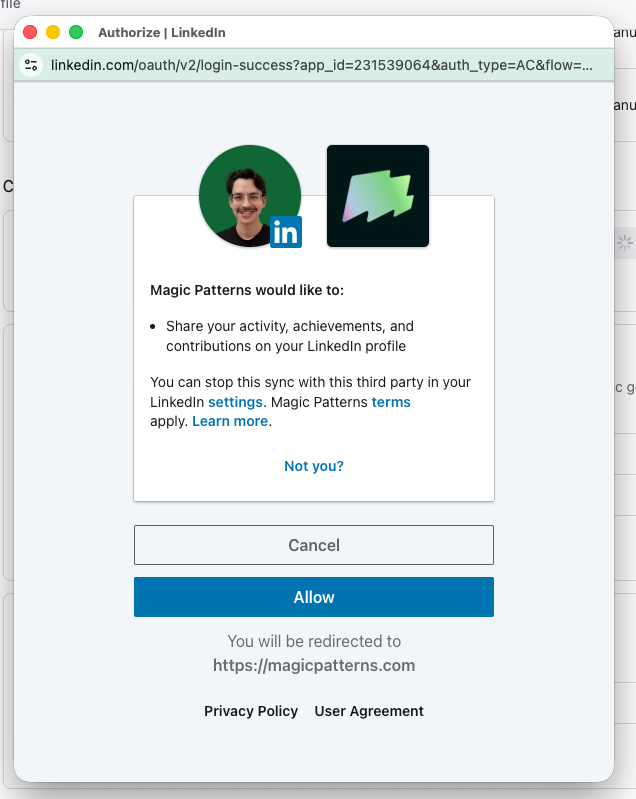
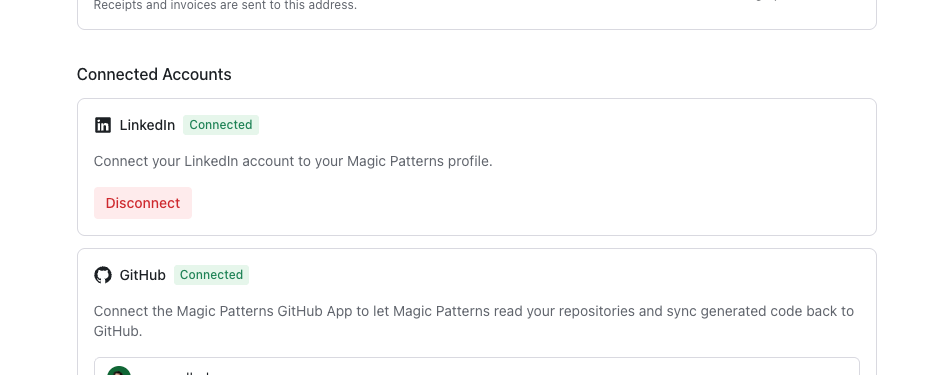
Connecting LinkedIn will highlight your experience with Magic Patterns on your LinkedIn profile. It’s a
verified signal that shows you build with Magic Patterns, and it sits in the Connected Apps
section of your profile where anyone who visits can see it: recruiters, clients,
teammates.
Changed your mind? Click Disconnect on the same LinkedIn card. We take the badge
off your LinkedIn profile right away and delete the connection on our side.
Only one thing: add and later remove your Magic Patterns under Connected Accounts. You’ll notice our permissions are tightly scoped; we
can’t read your messages, post on your behalf, or see your connections.
Can I remove it later?
Yes, anytime. Hit Disconnect and the badge comes off your profile right away.
The badge isn't showing up on my profile
It can take a moment to appear. If it still isn’t there, try disconnecting
and reconnecting. If that doesn’t help, reach out to support at support@magicpatterns.com.